
How to Install Our Life: Now & Forever DLC on itch.io
Move Step1DLC.rpa and Step2DLC.rpa into the base game's game folder to activate Our Life: Now & Forever itch.io DLC, plus fixes for launch errors.
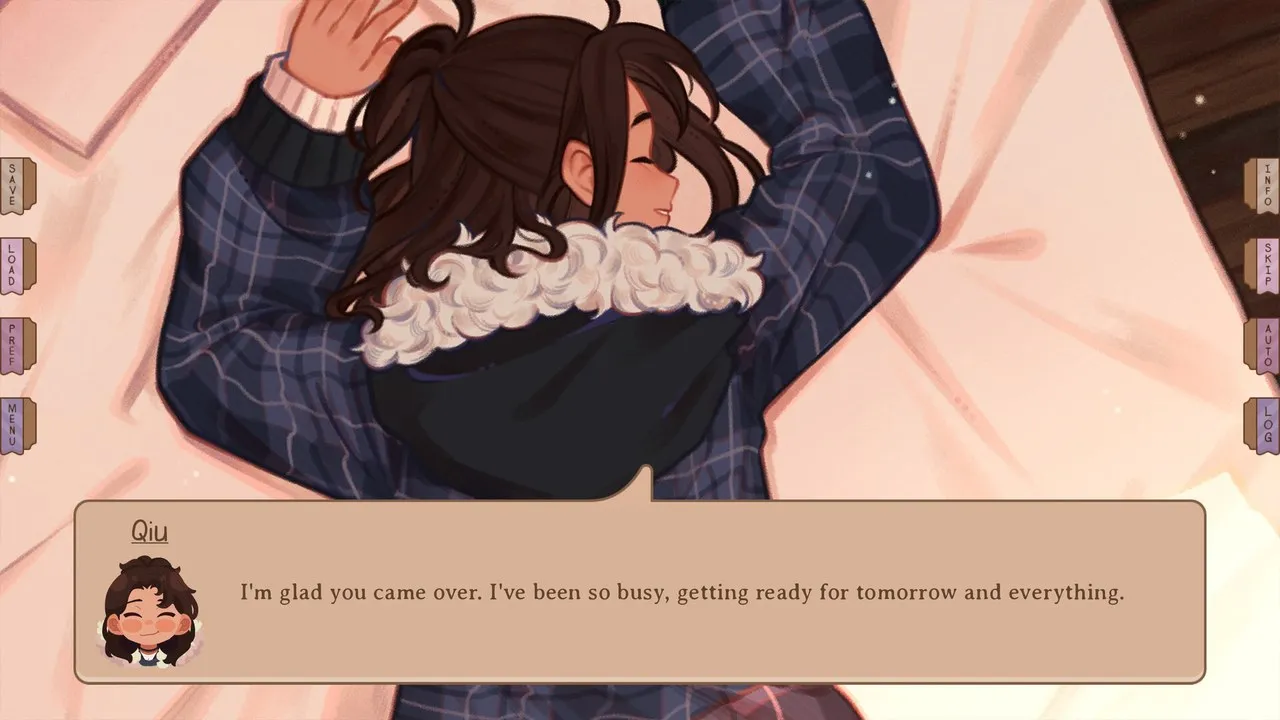
To install Our Life: Now & Forever DLC from itch.io, move the downloaded Step1DLC.rpa and Step2DLC.rpa files directly into the game folder located inside your main base-game directory. Confirm your installation is the Early Access v0.1.7.2 build released by GB Patch Games on November 27, 2026, rather than the older demo, or the expansions will not load.
How to Install Step 1 and Step 2 DLC on itch.io
On itch.io, Our Life: Now & Forever uses a free-to-play base download paired with optional paid Step expansions. Because the standalone download does not auto-merge expansion packages the way Steam does, you must drop each .rpa archive into the base game’s game subfolder manually.
- Download the
v0.1.7.2Early Access base build (1.2 GB) for Windows/Linux or macOS from the official Our Life: Now & Forever itch.io page and extract it to your chosen directory. If you are replacing an older installation, check our save file location guide before deleting old files. - Download your purchased expansion files from itch.io:
Step1DLC.rpafor the Step 1 DLC andStep2DLC.rpafor the Step 2 DLC. - Open the main folder where you extracted the base game, then open the
gamesubfolder inside it. - Move
Step1DLC.rpaandStep2DLC.rpadirectly into thatgamefolder. - Launch Our Life: Now & Forever and check the bottom-left corner of the screen to confirm it displays
v0.1.7.2.
GB Patch Games distributes Early Access v0.1.7.2 across Windows, macOS, Linux, and Android on itch.io. While players on the itch.io comment thread confirm running the DLCs on Android, the developer’s posted installation reply only specifies the .rpa-into-game-folder path for downloaded base-game directories; separate Android DLC import steps are not officially documented there as of 2026-11-28.
| Package | Exact File / Version | Where It Goes | Confirmed Content |
|---|---|---|---|
| Base Game (Early Access) | v0.1.7.2 (1.2 GB per OS) |
Main extracted game directory | Free-to-play Steps 1 & 2 base build |
| Step 1 DLC | Step1DLC.rpa |
<Base Game Folder>/game/ |
5 Step 1 Moments, new art/BGs, 2 CG images |
| Step 2 DLC | Step2DLC.rpa |
<Base Game Folder>/game/ |
5 Step 2 Moments, new art/BGs, 2 CG images |

Our Life: Now & Forever Demo Gameplay | First Impressions
Verifying Your Expansions Inside the Game
Once both .rpa files sit inside the game folder, open your Step 1 and Step 2 screens in Golden Grove to confirm the new Moments with Qiu Lin and Tamarack Baumann appear unlocked. Each expansion doubles the Moment count for its Step, adds multiple hours of extra playtime, and introduces new character art, backgrounds, two CG images, and reactive callbacks inside other Moments.
- Step 1 Expansion Moments (per the official Step 1 Expansion listing): Slumber Party, Trick or Treat, Mixed Up, Colorful Class, and Home.
- Step 2 Expansion Moments (per the official Step 2 Expansion listing): Scares & Sweets, Field Trip, Flu Season, Secrets, and Homecoming.
If you want to plan how those extra scenes slot into a full run, review our Moments order guide or see how much total runtime both packs add in our how long to beat breakdown. Because events in the Step 1 and Step 2 DLCs are referenced later in other scenes, players adding an expansion mid-playthrough should check how to replay choices before advancing to the next Step.
Fixing itch.io DLC Not Working or Launch Errors
Most reports of itch.io DLC not working stem from placing .rpa files in the wrong directory, running an outdated demo build, or mixing Steam and itch.io installations.
When the game refuses to open even after Step1DLC.rpa and Step2DLC.rpa are in the game folder, GB Patch Games recommends a full clean reinstall: delete the entire existing game directory, redownload v0.1.7.2 from scratch, and move the .rpa files into the fresh game folder. If launch crashes persist beyond DLC setup, walk through our crash fix guide.
Watch out for build mismatches as well. Players who downloaded immediately at release on November 27, 2026 needed to grab a follow-up patch pushed an hour later, while others discovered their Step 1 page showed only earlier demo scenes—without even displaying locked DLC tiles—because they had accidentally downloaded the demo instead of Early Access.
On Windows, one itch.io commenter encountered a "none of this game's downloads is compatible with windows" prompt while updating through the download button. Grabbing the Our Life NF (Early Access - Windows/Linux) archive (v0.1.7.2, 1.2 GB) directly from the itch.io game page avoids compatibility-check snags.
Cross-storefront installs behave differently from save sharing. PC players on itch.io note that save progress carries between Steam and itch.io, yet DLC bought on itch.io does not automatically activate inside the Steam build—whose Steam store page and expansion listings explicitly require the Steam base game. No official cross-store DLC sync method is confirmed as of 2026-11-28; for progress transfers between setups, refer to our Sync ID guide.
| Symptom | Confirmed Cause | Recommended Fix |
|---|---|---|
Game will not launch after adding .rpa files |
Corrupted or mixed install directory | Delete the whole folder, download v0.1.7.2 fresh, and re-add the .rpa files to game |
| DLC Moments do not appear at all (even locked) | Running the older Demo build instead of Early Access | Verify v0.1.7.2 in the bottom-left corner; download Early Access if missing |
Android shows "App not installed as package appears to be invalid" |
Prior build still installed, low storage, or older hardware | Uninstall the old app first, free storage space, and install the 1.2 GB Android v0.1.7.2 package |
| Android game closes silently mid-scene | Memory/performance strain on older phones (e.g., Galaxy A32) | Open Preferences, disable all animations and transitions, and set text speed to max |
| Immediate crash in Ren’Py Pocket | Incompatible third-party launcher | Use the official Our Life NF (Early Access - Android) package from itch.io |
FAQ
How do I check whether I installed the Early Access build instead of the demo?
Launch the game and look at the bottom-left corner of the screen. As of 2026-11-28, the Early Access build displays v0.1.7.2. If that version number is missing and Step 1 only lists the earlier demo Moments with no locked DLC entries, download the v0.1.7.2 Early Access package from the itch.io page.
Can I use itch.io DLC files with the Steam version of the game?
Automatic syncing between itch.io DLC purchases and the Steam base game is not supported according to player reports on itch.io, and Steam’s Step 1 and Step 2 expansion listings state they require the Steam base game. To play DLC bought on itch.io, install the .rpa files into the game folder of the itch.io Early Access download.
Why do Step 1 or Step 2 Moments disappear on Android after updating?
Several Android players on v0.1.7.2 reported base Step 1 or Step 2 Moments disappearing from the board while DLC tiles remained visible. GB Patch Games is investigating the bug and advises toggling dragging on and pressing the reset positions button in the top right; one player also reported that dragging a DLC tile or placing stickers over the missing slots without restarting made the Moments clickable again.
Related Articles
fixes
How to Transfer Demo Saves in Our Life: Now & Forever
Step 1 demo saves carry over to Early Access in Our Life: Now & Forever, while Step 2 demo and beta saves do not. See desktop, Android, and Sync steps.
fixes
Our Life: Now & Forever Save File Location & Sync Guide
Find the Our Life: Now & Forever save folder in game/saves, learn how PC and Android saves carry over, and transfer files via the Sync button.
fixes
Our Life: Now & Forever Crash Fix: Launch & Error Guide
Fix Our Life: Now & Forever crashes, launch blocks, script errors, and Android freezes with verified GB Patch Games fixes for PC and mobile.
Was this helpful?
Thanks for the feedback!