
How to Download Our Life: Now & Forever on Mac (macOS)
Download Our Life: Now & Forever free on macOS via itch.io (Early Access v0.1.7.2, 1.2 GB). Check Steam status, DLC folder setup, and Mac launch fixes.
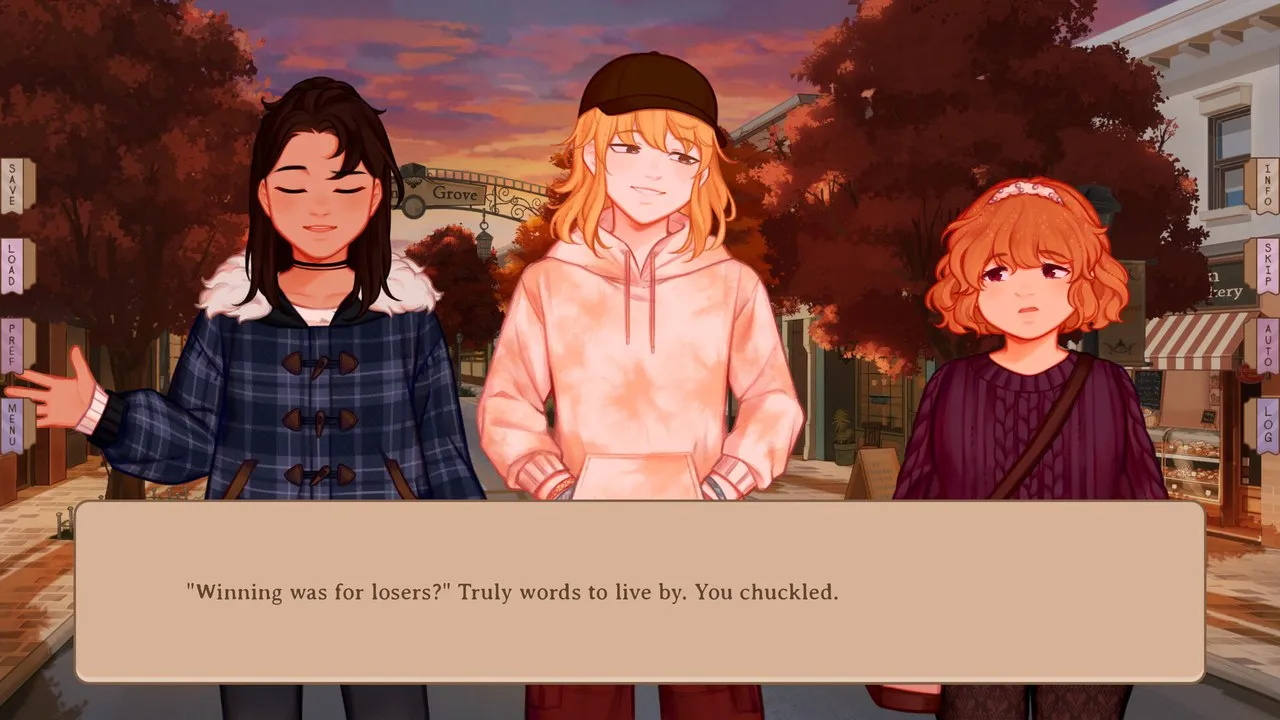
Yes—you can download Our Life: Now & Forever natively on Mac for free through the official GB Patch Games itch.io page. As of November 28, 2026, the active macOS build is Our Life NF (Early Access - Mac) (v0.1.7.2, 1.2 GB), which includes Steps 1 and 2 of the Golden Grove story starring Qiu Lin and Tamarack Baumann.
Where to Download Our Life: Now & Forever on macOS
GB Patch Games lists macOS alongside Windows, Linux, and Android on its official itch.io page, hosting a standalone Mac file for the November 27, 2026 Early Access release. The base game is free-to-play, while the Step 1 and Step 2 expansions are optional paid add-ons. For a breakdown of what this release includes, read our Early Access guide.
The visual novel is also live as a free-to-play title on the official Steam store page. Because neither storefront lists a minimum macOS version or specific Intel versus Apple Silicon MacBook requirements, check the macOS platform icon directly on Steam before installing there—or use the verified Mac package on itch.io.
| Storefront | Confirmed Mac Status (Nov 28, 2026) | Build Details | Pricing |
|---|---|---|---|
| itch.io | Officially listed (macOS) |
Our Life NF (Early Access - Mac) (v0.1.7.2, 1.2 GB) |
Free base game; optional paid DLCs |
| Steam | Live in Early Access; verify store OS icon | Early Access (Steps 1 & 2, launched Nov 27, 2026) | Free base game; optional paid DLCs |
Looking to play on other portable hardware instead of a desktop Mac or MacBook? Check our iOS release status and Steam Deck compatibility guide before grabbing a build.

Our Life: Now & Forever Demo Gameplay | First Impressions
Installing the Mac Build and Optional DLC
When downloading from itch.io, make sure you select Our Life NF (Early Access - Mac) rather than an older archived demo like the 2022 OLNF Mini-Demo (Mac) or 2023 OLNF Demo (Mac). Players who installed an outdated demo by mistake only saw earlier Step 1 preview scenes; once you open the current Early Access release, v0.1.7.2 appears in the bottom-left corner of the screen.
If you purchase the Step 1 or Step 2 expansions on itch.io, GB Patch Games instructs players to move Step1DLC.rpa and Step2DLC.rpa into the game folder inside the base game’s main installation directory. For exact placement instructions, follow our itch.io DLC installation guide.
Mac Launch Warnings, Reinstalls, and Performance
Because itch.io distributes the macOS release as a direct download outside the Mac App Store, macOS Gatekeeper may show an unidentified developer warning the first time you launch it. Approve the app in macOS Privacy & Security settings instead of re-downloading the archive.
If the game still fails to open—including right after adding DLC files—GB Patch Games recommends a clean reinstall by deleting all previous game files and installing v0.1.7.2 from scratch. Back up your progress first with our save file location guide.
On an older MacBook experiencing slowdowns or abrupt closures, GB Patch’s itch.io support replies suggest adjusting three settings under Preferences on the main menu:
- Turn off all animations
- Disable transitions
- Set text speed to maximum
If startup issues continue after a clean install, see our crash fix guide for more troubleshooting steps.
FAQ
How do I update Our Life: Now & Forever to the newest Mac version on itch.io?
Download the latest Our Life NF (Early Access - Mac) archive (v0.1.7.2 as of November 28, 2026) from the official itch.io page, remove your old installation folder before unpacking the update, and confirm v0.1.7.2 displays in the bottom-left corner.
How do I install itch.io DLC files on Mac?
Place the Step1DLC.rpa and Step2DLC.rpa files into the game folder inside the main folder where you extracted the base game, as instructed by GB Patch Games on itch.io.
Do DLCs bought on itch.io sync with Steam on desktop?
No—players on itch.io report that although local save data can carry over between Steam and itch.io on the same computer, DLC purchased on itch.io does not automatically sync to Steam. Purchase your expansions on the same storefront where you intend to launch the game.
Related Articles
fixes
How to Transfer Demo Saves in Our Life: Now & Forever
Step 1 demo saves carry over to Early Access in Our Life: Now & Forever, while Step 2 demo and beta saves do not. See desktop, Android, and Sync steps.
platforms
Is Our Life: Now & Forever on iOS? iPhone & iPad Status
Our Life: Now & Forever is not listed for iOS, iPhone, or iPad as of 2026-11-28. See official Windows, macOS, Linux, and Android availability.
fixes
Our Life: Now & Forever Save File Location & Sync Guide
Find the Our Life: Now & Forever save folder in game/saves, learn how PC and Android saves carry over, and transfer files via the Sync button.
Was this helpful?
Thanks for the feedback!