
Our Life: Now & Forever Android Download & Install Guide
Download Our Life: Now & Forever on Android free from GB Patch Games' official itch.io page (v0.1.7.2, 1.2 GB), plus install and crash fixes.
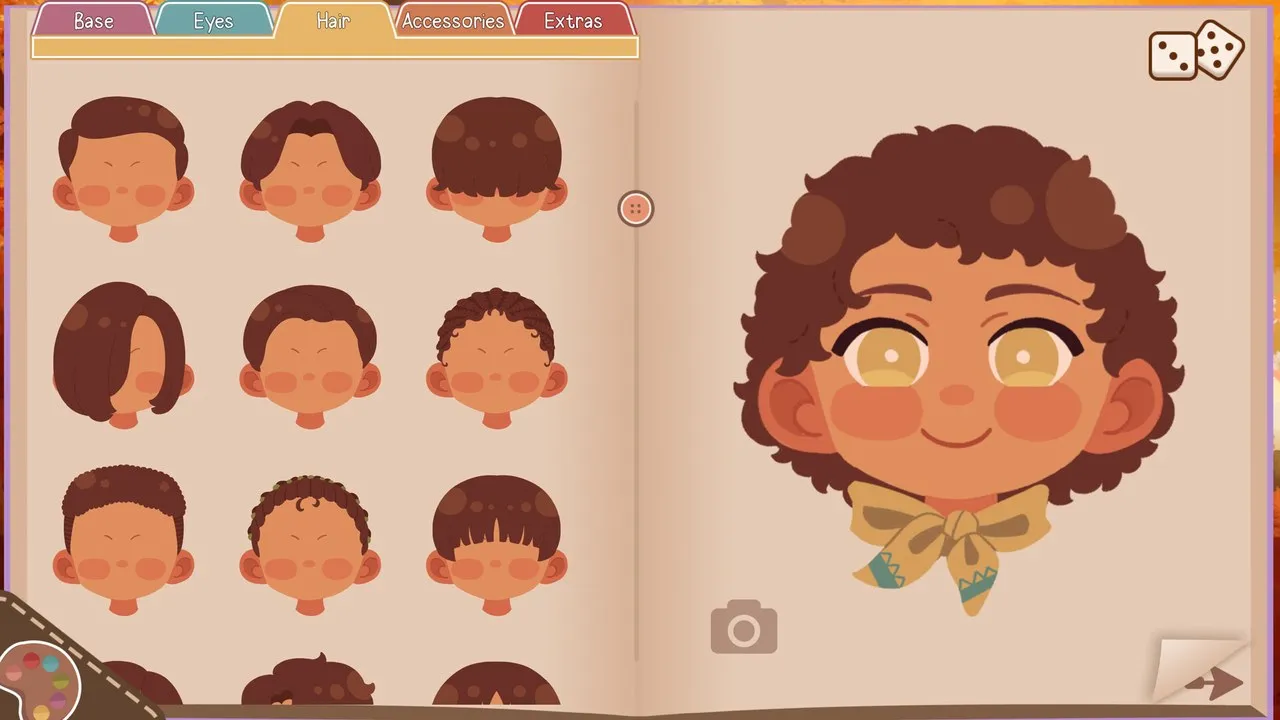
Yes—as of 2026-11-28, an official Our Life: Now & Forever Android download is available for free directly from GB Patch Games’ itch.io page. Skip unofficial APK mirrors and third-party mobile clones; the developer publishes the standalone Android Early Access build (v0.1.7.2, 1.2 GB) right alongside its desktop releases.
Official Android Download Details
GB Patch Games released Early Access for Our Life: Now & Forever on November 27, 2026, covering Steps 1 and 2 of the Golden Grove story with Qiu Lin and Tamarack Baumann. While Steam hosts the desktop release, the official Android build is published directly on itch.io.
| Detail | Official Android Build |
|---|---|
| Release Status | Early Access (Steps 1 & 2, launched Nov 27, 2026) |
| Current Version | v0.1.7.2 (as of 2026-11-28) |
| File Label | Our Life NF (Early Access - Android) |
| Download Size | 1.2 GB |
| Base Game Price | Free to play (optional paid Step 1 & Step 2 DLCs) |
| Official Source | gbpatch.itch.io/our-life-nf |
Older Android demo builds from 2022 (413 MB and 601 MB) remain archived on earlier itch.io devlogs, but they are marked [OLD] and do not contain Early Access content. Grab the current 1.2 GB Early Access file from the main project page instead.
If you switch between devices, itch.io also offers desktop builds—check our Mac download guide for macOS setup, or see our iOS platform guide for Apple mobile status. Players looking for handheld play tied to Steam can also check our Steam Deck guide.

Our Life: Now & Forever Demo Gameplay | First Impressions
How to Download and Install on Android
Because the official Android installer comes directly from itch.io rather than an unofficial APK mirror, setup only takes a few steps once the 1.2 GB download completes:
- Uninstall older builds first: Remove any prior Our Life: Now & Forever demo before installing Early Access so older files do not block the update.
- Verify free storage: Leave extra space beyond the 1.2 GB download size so Android can unpack the package and store saves.
- Download the official build: Visit GB Patch Games’ itch.io page, open the Download section, and select
Our Life NF (Early Access - Android)(v0.1.7.2). - Run the installer from Files: Tap the completed download notification (or open the file in your device’s Files app), confirm the Android
Install?prompt, and tapOpenwhen installation finishes.
Avoid launching the game through unofficial third-party wrappers like Ren’Py Pocket, which players on itch.io report causes immediate crashes. If you purchase the optional Step 1 or Step 2 DLCs on itch.io, check our itch.io DLC installation guide for setup details, and review our Sync ID guide before trying to carry progress across devices.
Common Android Install and Crash Fixes
Since the November 27, 2026 Early Access launch, mobile players on itch.io have reported a few hardware and UI quirks along with official workarounds from GB Patch Games.
On older phones such as the Samsung Galaxy A32, the Early Access release can close without an error message after extended play. GB Patch Games noted that older devices may struggle with the heavier build and recommended opening Preferences in the main menu to apply three changes: turn off all animations, set text speed to max, and turn off transitions. For persistent instability, see our crash fix guide.
The game also includes built-in readability options—custom lettering size, font choices (including a dyslexia-friendly font), two textbox layouts, and self-voicing—though several Android players mention that side menu controls (auto, log, skip, save) still appear small on compact phone screens.
FAQ
Why does Android say “App not installed as package appears to be invalid”?
This error commonly appears when an older demo version is still on your device or when storage is nearly full. Uninstall any prior build, free up extra space, and re-download v0.1.7.2 from itch.io; GB Patch Games is also investigating reports of this package error occurring on older Android devices.
How do I fix the game closing randomly on an older Android phone?
Open Preferences from the main menu, turn off all animations, disable transitions, and set text speed to max. GB Patch Games specifically recommended those three adjustments to players experiencing sudden crashes on older handsets during Early Access.
Why are Step 1 or Step 2 moments missing on Android?
Several Android players reported base-game moments disappearing from the selection page while only DLC cards stay visible. GB Patch Games is investigating the issue and suggests toggling dragging on, then tapping the Reset Positions button in the top right; another community workaround is dragging a DLC card or placing stickers over the hidden moments without pressing restart.
Related Articles
platforms
Is Our Life: Now & Forever on iOS? iPhone & iPad Status
Our Life: Now & Forever is not listed for iOS, iPhone, or iPad as of 2026-11-28. See official Windows, macOS, Linux, and Android availability.
fixes
Our Life: Now & Forever Crash Fix: Launch & Error Guide
Fix Our Life: Now & Forever crashes, launch blocks, script errors, and Android freezes with verified GB Patch Games fixes for PC and mobile.
fixes
Our Life: Now & Forever Sync ID: How Cross-Save Works
Use the in-game Sync button and Sync ID to transfer Our Life: Now & Forever saves between devices, plus key version, Android, and DLC limits.
Was this helpful?
Thanks for the feedback!