
Our Life: Now & Forever Sync ID: How Cross-Save Works
Use the in-game Sync button and Sync ID to transfer Our Life: Now & Forever saves between devices, plus key version, Android, and DLC limits.
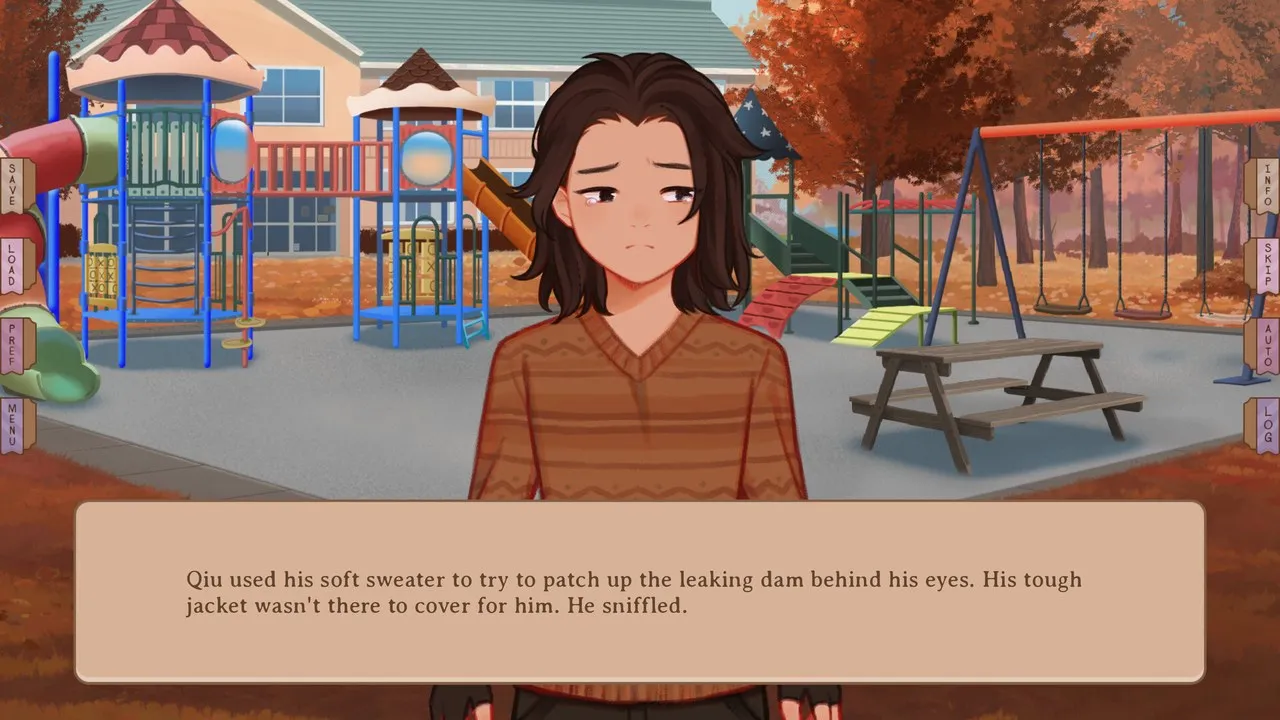
In Our Life: Now & Forever, a Sync ID is a transfer code generated by the built-in Sync button on the game’s save/load screen, letting you move save data between devices. According to GB Patch Games’ developer note on itch.io, this Ren’Py sync feature provides a direct cross-save path when moving progress between a desktop PC, a laptop, an Android phone, or a handheld setup covered in our Steam Deck guide.
How the Sync ID Feature Works
Open the save/load screen inside Our Life: Now & Forever and select the Sync button to generate your Sync ID code. You can then use that code on another device to transfer your saves across supported platforms, which include Windows, macOS, Linux, and Android builds on the official itch.io page alongside the PC release on the Steam store page.
As of 2026-11-28, GB Patch Games has not published a screen-by-screen Ren’Py sync walkthrough, code expiration window, or sync error reference on its official store pages. Because a Sync ID only carries save progress and depends on matching game builds, players who want an offline backup on PC before updating or switching hardware should also copy local files manually using our save file location guide.

Our Life: Now & Forever Demo Gameplay | First Impressions
Cross-Save, Android, and DLC Limits
Transferring saves with a Sync ID will not bypass version mismatches or copy paid expansion files onto a new device. As of 2026-11-28, following the November 27, 2026 launch of the Early Access release (v0.1.7.2 on itch.io and Steam), several build and platform rules control whether synced or local saves load properly.
| Setup or Scenario | Confirmed Save & Sync Behavior |
|---|---|
| Desktop (Windows, macOS, Linux) | Recent public demo saves carry over into newer desktop builds and Early Access. |
| Android updates | Installing a newer APK over the old app retains local saves; uninstalling first deletes them, so generate a Sync ID beforehand. |
| Steam vs. itch.io on PC | Players report local PC save progress carries between Steam and itch.io installs, but paid DLC packs do not sync across storefronts. |
| Beta vs. public builds | Beta saves will not load on the public demo, and public demo Step 2 saves only load on the public demo. |
Paid expansions must be installed separately on each device where you expect DLC moments to appear. On itch.io, GB Patch Games states that Step1DLC.rpa and Step2DLC.rpa need to sit inside the base game’s game folder—follow our itch.io DLC installation guide if a transferred playthrough is missing Step 1 or Step 2 expansion content. Mobile players upgrading versions should review the Android download guide before removing an older APK so local saves are not erased.
Fixing Sync ID and Old Save Loading Errors
Most save-loading issues reported in the itch.io comments stem from mismatched game builds rather than a broken Sync ID. Several players who saw missing moments right after the November 27, 2026 launch realized they had opened the older Steam Demo instead of the Early Access client; verify that v0.1.7.2 appears in the bottom-left corner of the main menu.
Compatibility also depends on which Step your save comes from. GB Patch’s lead developer explained on itch.io that Step 1 public demo saves are generally backwards compatible, whereas Step 2 saves created in a public demo cannot load in builds that require the Step 1 ending. For branch-by-branch rules, check our demo save transfer guide. If the PC build fails to launch at all after moving saves or DLC files, GB Patch recommends a clean reinstall from scratch—generate a Sync ID or back up your local files first.
FAQ
What is a Sync ID in Our Life: Now & Forever?
A Sync ID is the transfer code generated by the Sync button on the in-game save/load screen. GB Patch Games confirmed on itch.io that this code lets you move save files between devices without transferring files by hand.
Do paid DLC packs transfer when you sync saves between devices?
No. Players on the itch.io page noted that even when save progress carries over, DLC purchases do not sync between Steam and itch.io or across separate devices. You need the Step 1 and Step 2 expansions installed on each platform, including placing Step1DLC.rpa and Step2DLC.rpa in the game folder for itch.io copies.
Why won’t my old save files load after updating the game?
Old saves fail to load when they come from a much older build, a beta build opened in a public demo, or Step 2 inside a public demo that lacked the Step 1 ending. On Steam, also verify you launched the Early Access release showing v0.1.7.2 in the bottom-left corner rather than the older Demo client.
Related Articles
fixes
Our Life: Now & Forever Save File Location & Sync Guide
Find the Our Life: Now & Forever save folder in game/saves, learn how PC and Android saves carry over, and transfer files via the Sync button.
fixes
Our Life: Now & Forever Crash Fix: Launch & Error Guide
Fix Our Life: Now & Forever crashes, launch blocks, script errors, and Android freezes with verified GB Patch Games fixes for PC and mobile.
fixes
How to Transfer Demo Saves in Our Life: Now & Forever
Step 1 demo saves carry over to Early Access in Our Life: Now & Forever, while Step 2 demo and beta saves do not. See desktop, Android, and Sync steps.
Was this helpful?
Thanks for the feedback!